
How to Submit a Rent Document
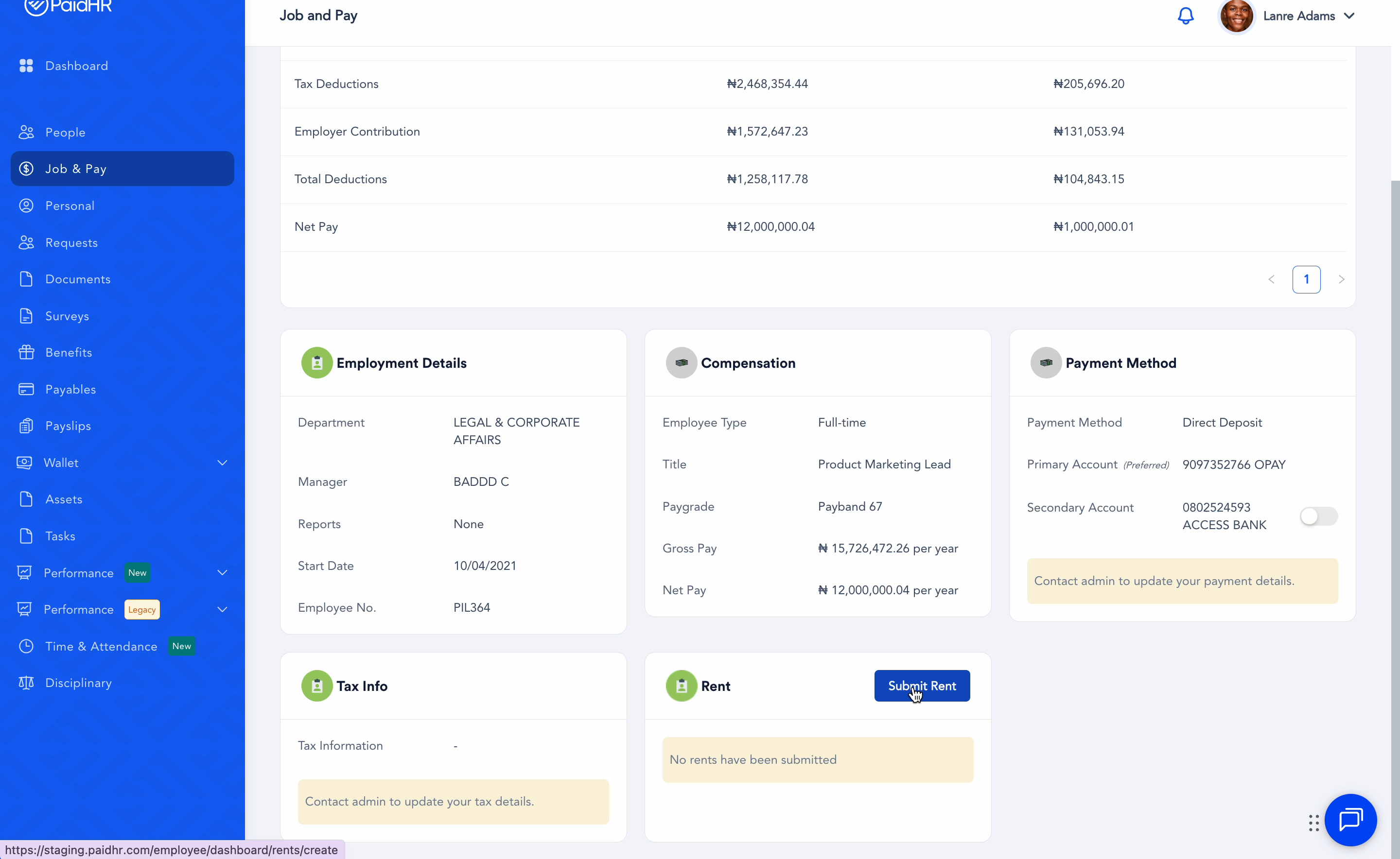
- Navigate to Job & Pay on your employee profile.
- Scroll down and click on Submit Rent.
- Complete the form and attach your Rent Receipt or Tenancy Agreement.
- Click on Submit.
Once your Admin approves your submission, it will be applied to your compensation.
How to Approve Rent Documents (Admin)
- Navigate to Rent Documents.
- You will see a list of employees who have submitted rent documents.
- Click on the ellipsis beside the employee’s name and select View.
- Review the document, then click on Approve.