
Follow the steps below to update an employee's personal information:
- Navigate to People and click the downward arrow to view the available options.
- Click on Employees.
- Search for and click on the employee's name whose profile you want to update.
- Click on Personal, beside Job & Pay.
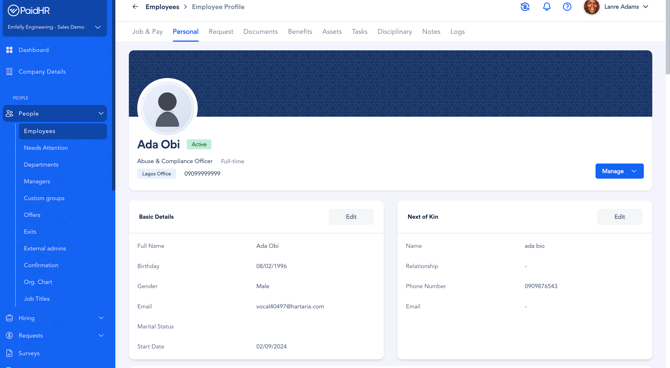
- Scroll down to Basic Details and click Edit.
- Update the required information, such as the employee's email address.
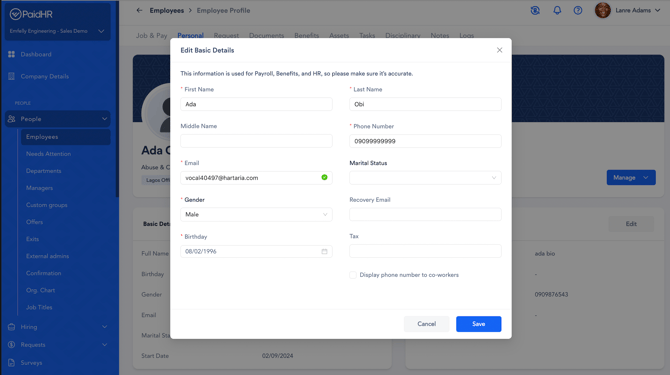
- Click Save to apply the changes.